Traverse

History and Social Studies Curriculum

Traverse is a digital-forward, one-stop social studies curriculum with flexible, customizable content so teachers approach instruction with confidence and students experience engaging content in a variety of modalities to appeal to different learning styles.

Featuring dynamic and responsive learning experiences built around a library of more than 1,500 high-quality written, oral, and visual sources that create a rich story of the past.

Contributed Roles: Product Strategy + Project Management + UI/UX Design
SyncBlasts on a Desktop and Smart Phone
Traverse promotional video created by our in-house production studio.
Login Screen
Login Screen
Login Screen

Student Interface

Leaning on the success of our flagship product, StudySync, we built a new curriculum platform on a modern React codebase. This gave us the flexibility to update the experience while keeping it familiar for existing customers. We refined shared UI patterns and retained the Assignments and Binder pages as the core way students organized their workloads, reinforcing a consistent experience and simplifying product support.

Content was organized into chapters that could be assigned to entire classes or individual students. Each chapter included a simplified table of contents and progress tracking to help students see exactly where they were in an assignment. Authentic resources like historical articles and media clips connected learning to real-world contexts, while peer review features modernized activities with anonymous feedback from classmates.

Teacher Homepage Desktop
Teacher Homepage Tablet
Teacher Homepage Mobile

Teacher Interface

The platform gave educators full access to the curriculum and the ability to customize lessons by editing chapters or creating new ones, while district admins could apply broader customizations. A wide range of activity types, aligned to standards and vocabulary, provided flexibility for different classroom needs.

Classroom pages and gradebooks simplified student management, while tools like assessments, curated news articles, and support resources helped teachers deliver instruction effectively. Features such as student view previewing, pre-filling annotations, and providing feedback at both the assignment and activity level are just a few examples of how the platform empowered teachers to manage their classrooms and engage students.

Tower Version Manager using Pivotal IDs

Project Management

As a liaison between engineering, design, and other departments, I ensured company-wide alignment by leading meetings, clarifying expectations, and communicating outcomes. I partnered with our CTO and engineering managers to turn direction into actionable tasks for a team of 15+ front-end and back-end engineers and designers. Beyond coordination, I added clarity at both the design and strategic levels, supporting the team through one-on-ones and PR reviews to keep projects moving smoothly and aligned with broader goals.

Tower Version Manager using Pivotal IDs

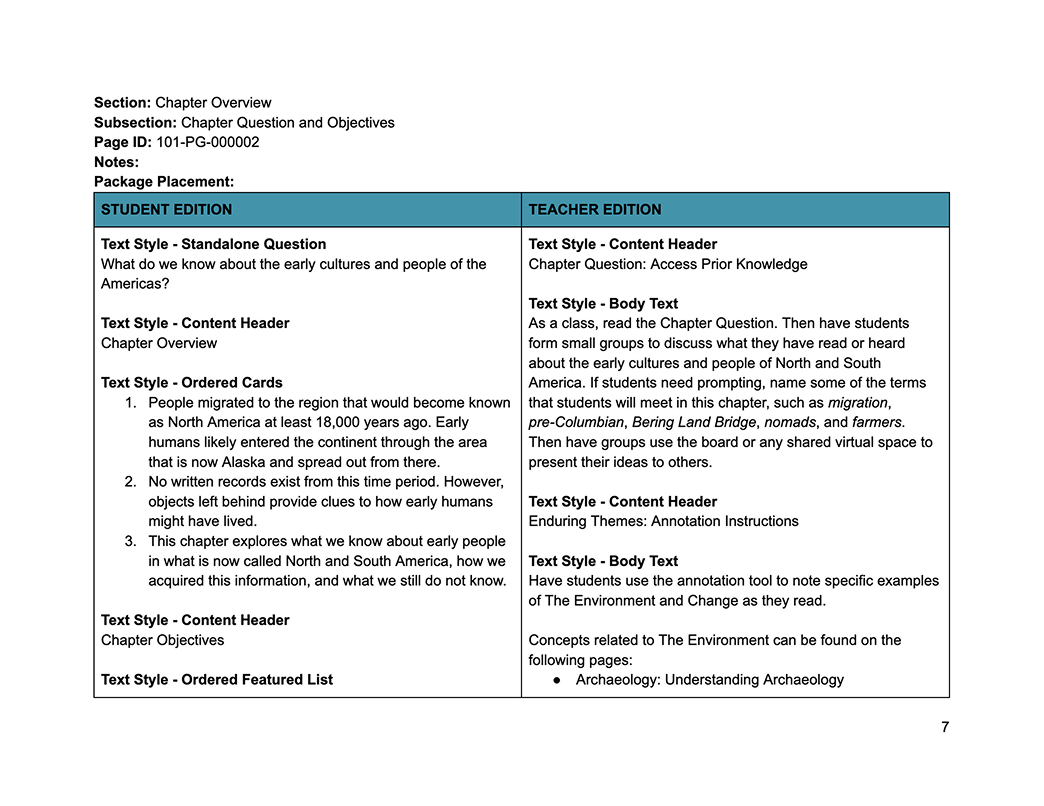
Curriculum Templates

While building the curriculum, I collaborated with Academic Designers to develop templates that allowed departments to move forward independently without blocking each other’s workflows. I helped facilitate alignment by introducing shared text styles early, giving everyone a common visual language while still leaving room to explore design solutions. These templates scaled across the curriculum, keeping teams coordinated and making the transition to site content smooth and collaborative.

Tower Version Manager using Pivotal IDs

Figma

I led the adoption of Figma as our cross-department tool, transforming collaboration by replacing disconnected programs with a single source of truth. This shift eliminated duplication, sped up idea sharing, and created a unified workflow. I also introduced a shared component file that streamlined updates, reduced rework, and brought mockups to about 80% complete before moving into development. Final refinements happened in code, enabling faster iteration, consistent designs, and closer alignment with production.

SyncBlasts on a Desktop and Smart Phone
SyncBlasts Layout Mockup Explorations

Print Companion

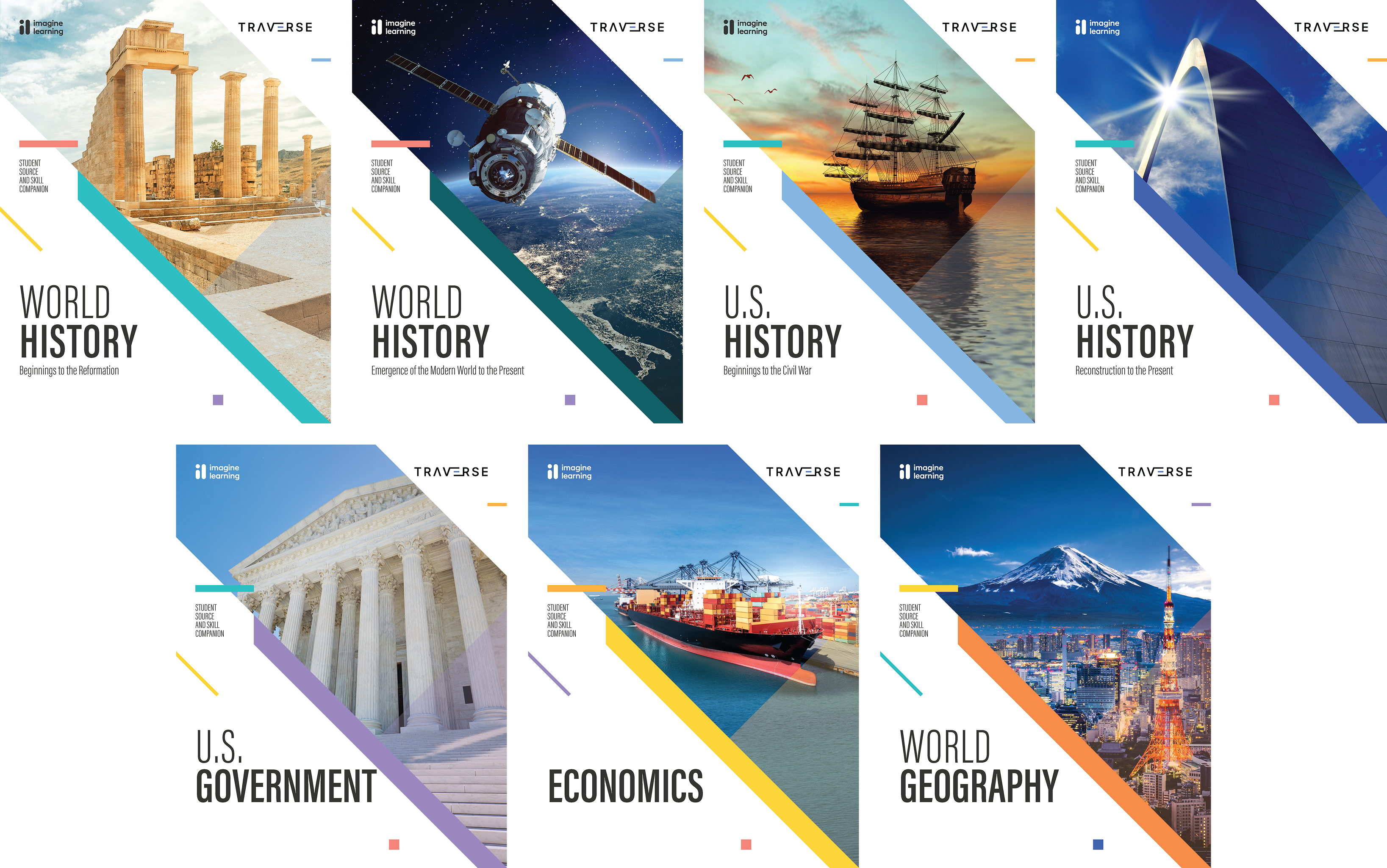
Although the curriculum was designed for digital-first delivery, textbooks were still required to meet school district needs. My role was to coordinate across teams to ensure digital content and print materials were aligned, creating a cohesive set of resources across multiple formats. Each medium had unique requirements, so design solutions often had to be adapted when moving a pattern from one to another. Because the textbooks represented only a portion of the full curriculum, we often emphasized the additional depth and resources available in the digital platform.